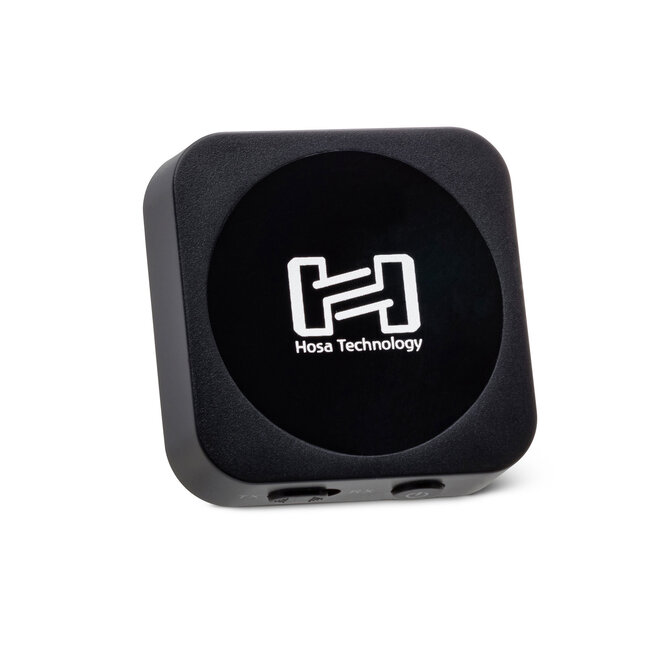

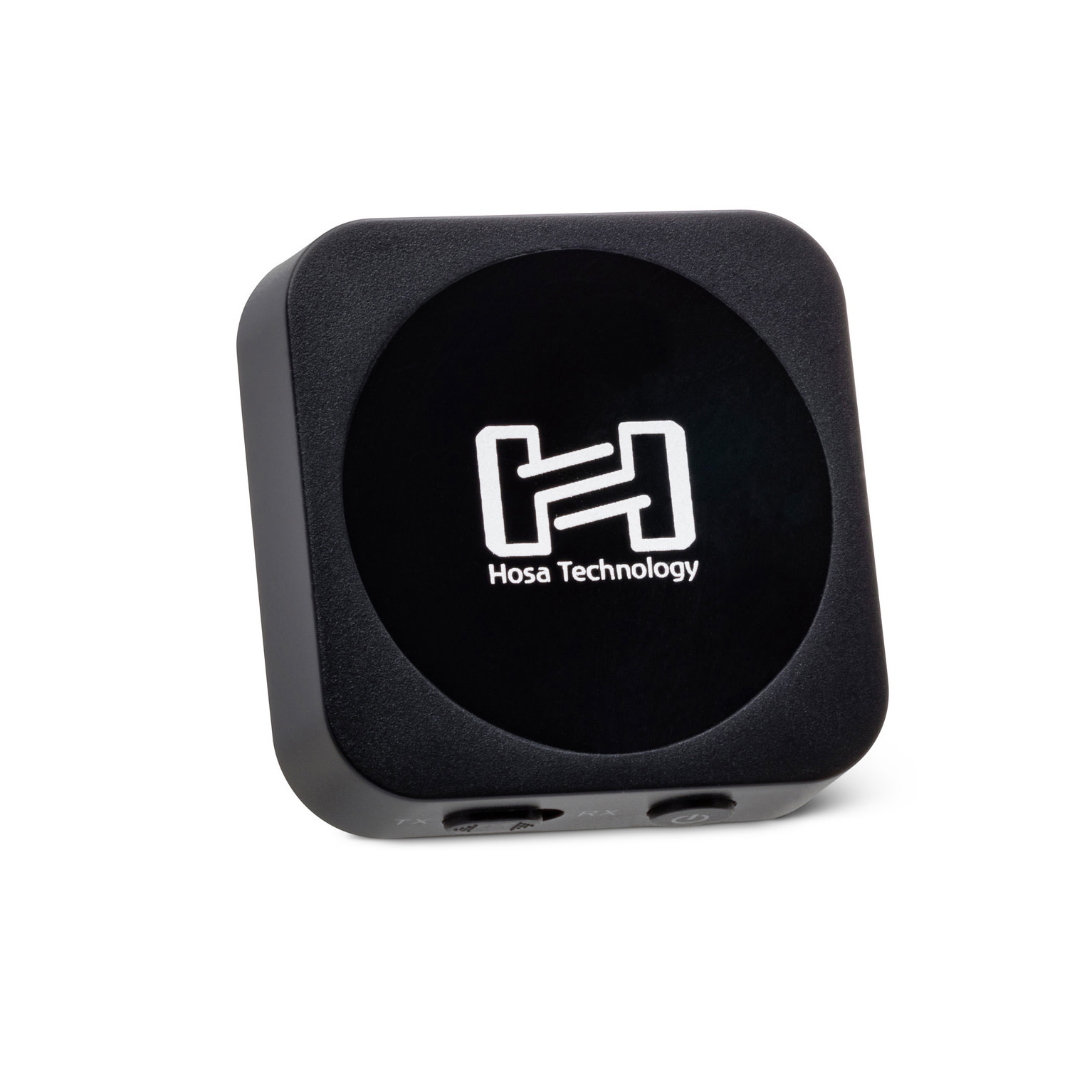

Hosa Drive Bluetooth® Audio Interface is the best way to hook up your music anywhere. This versatile Bluetooth interface is designed to add wireless capabilities to an analog mixing console, vinyl turntable, or other device not equipped with Bluetooth technology.
Features include:
- Use as transmitter or receiver to fit your needs
- Quick pairing for easy set-up of devices
- Play your music for up to 8 hours in TX mode
Contents
- Bluetooth Interface
- Stereo Interconnect, Molded 3.5 mm TRS to Same
- Dual RCA Splitter
- USB Cable
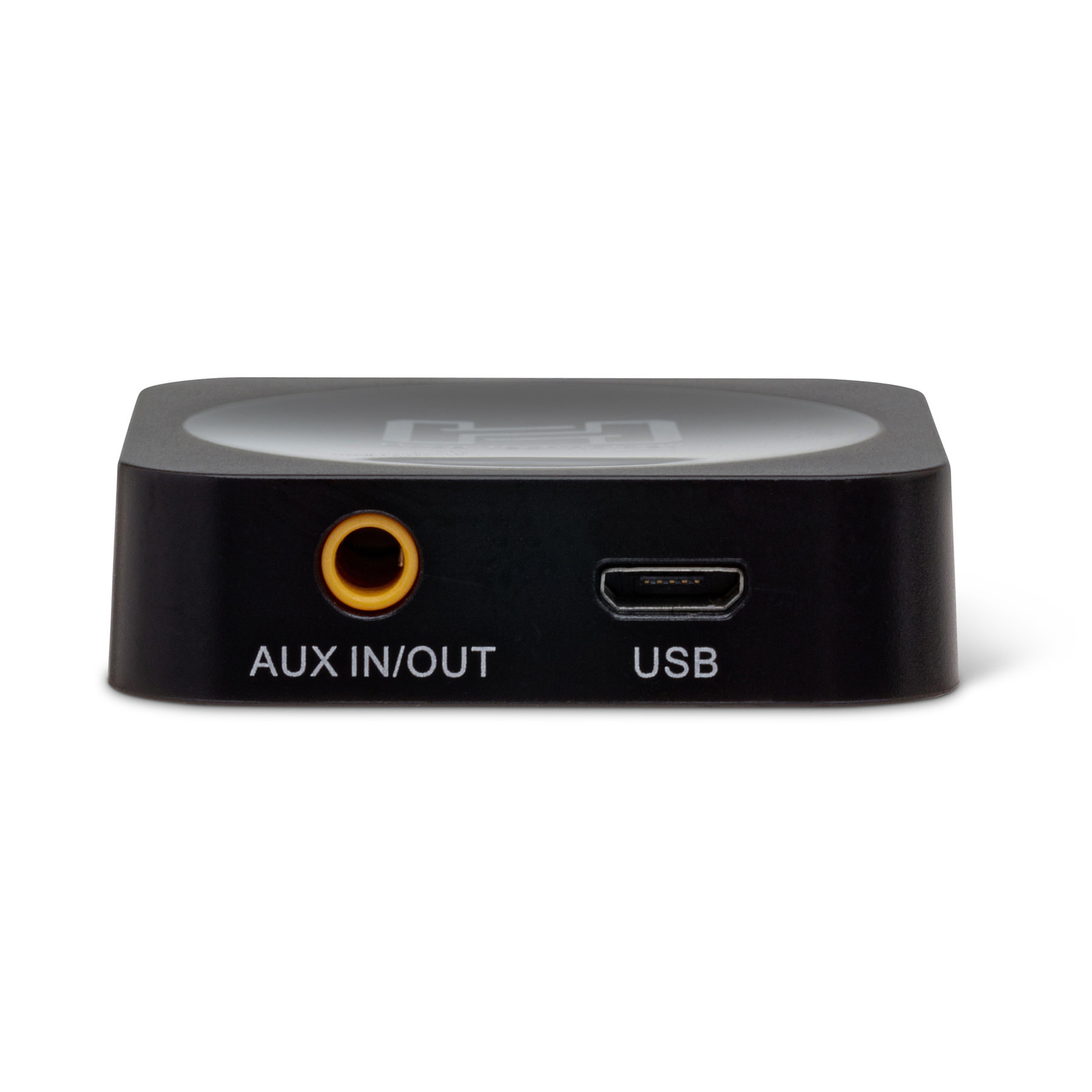
Connector 1: 3.5 mm TRS (Audio)
Connector 2: USB (Charging Only)
What is a Bluetooth Audio Transmitter / Receiver?
A Bluetooth Audio Transmitter/Receiver transmits audio from a source to a connected Bluetooth device like wireless headphones. The Bluetooth device that receives the audio transmission has a Bluetooth receiver that decodes the transmission into audio.
Hosa’s Bluetooth Audio Transmitter/Receiver can also receive audio transmissions by pairing it with speakers to broadcast songs from your phone or computer.
How do I use a Bluetooth Audio Transmitter / Receiver?
Bluetooth Audio Transmitter Setup
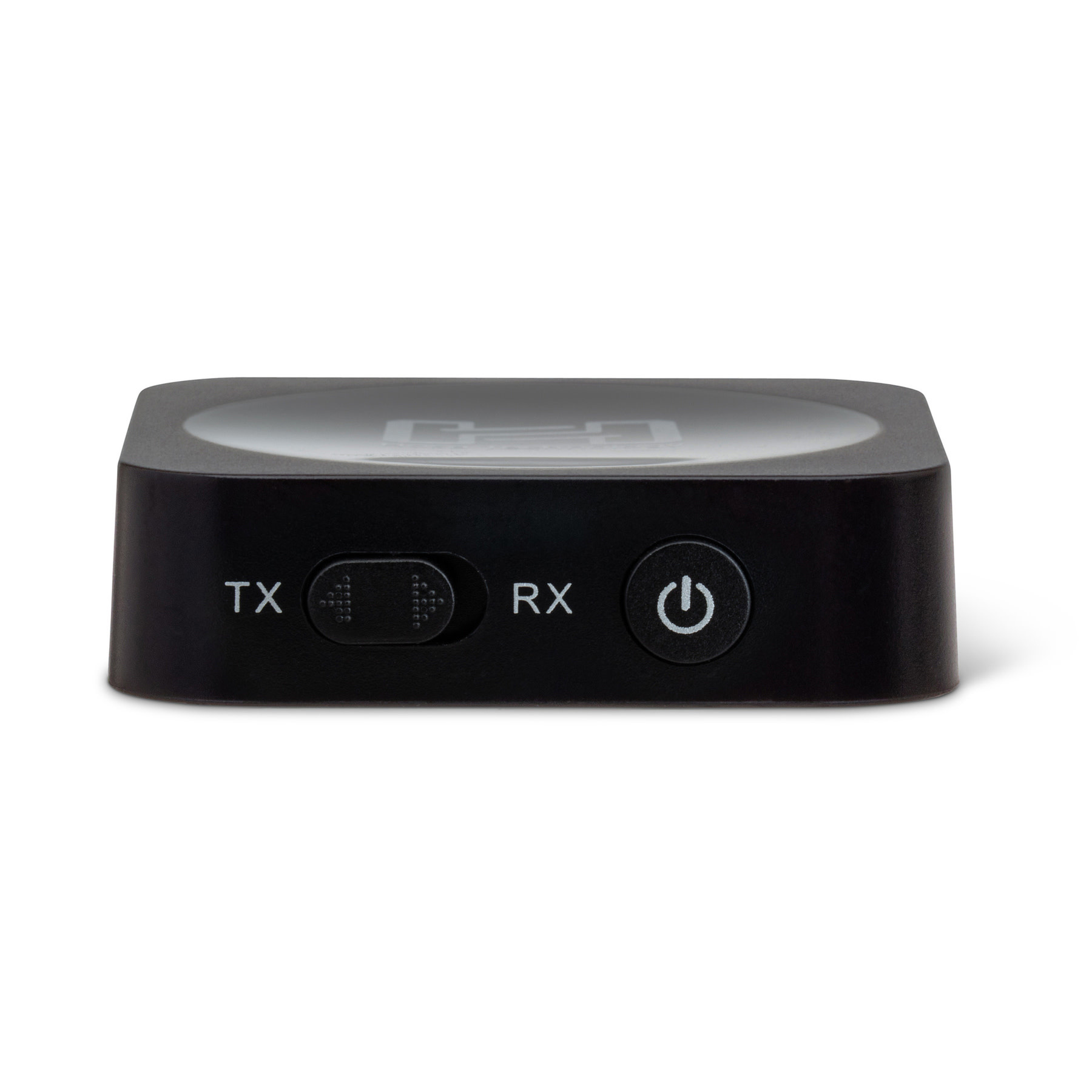
To utilize your Bluetooth Audio Transmitter/Receiver as a Transmitter, start by fully charging your device. Once charged, turn it on by holding the multi-function button for three seconds. The blue light will blink once powered on.
Select TX using the mode selector switch. Connect one end of the audio cable to the transmitter and the other end to a source’s audio output.
Next, initiate pairing mode by holding the multi-function button until you see alternating red and blue lights. Set your receiving Bluetooth device (i.e. wireless headphones) into pairing mode and hold the devices in close proximity until pairing is successful.
Note that audio can be sent to two Bluetooth receivers simultaneously by pressing and holding the multi-function button and initiating pairing once more.
Bluetooth Audio Receiver Setup
To activate Receiver mode, turn on your Bluetooth Audio Transmitter/Receiver by holding the multi-function button for three seconds. The blue light will blink once powered on.
Select RX using the mode selector switch. Connect one end of the audio cable to the receiver and one end of the other to the destination device.
Next, initiate pairing mode by holding the multi-function button until you see alternating red and blue lights. Set your source device into pairing mode and hold the devices in close proximity until pairing is successful.
Press and release the multi-function button to play or pause the current song.
Bluetooth Audio Transmitter / Receiver Benefits
Hosa’s Bluetooth Audio Transmitter/Receiver has a variety of benefits, including:
- Dual Function Technology: Transmit or receive audio from Bluetooth devices
- Multi-Device Pairing: Connect up to two devices as audio sources or destinations
- Battery Life: Transmit audio for up to eight hours
- Transmission Range: Transmit up to 10m
- High Quality Sound: Stream superb audio volume and quality
- Why Do you Need a Bluetooth Audio Transmitter / Receiver?
Bluetooth Audio Transmitters and Receivers are must-have devices for anyone with devices that don’t connect to Bluetooth on their own. These transmitters and receivers give users the ability to pair with devices that don’t have Bluetooth such as an in-flight entertainment system or older television sets.
Bluetooth Audio Transmitter / Receiver Specifications
In Transmitter mode, audio can be sent to two Bluetooth receivers simultaneously by pressing and holding the multi-function button and initiating pairing once more.
When Receiver mode is activated, a second transmitting device can be added by pressing the multi-function button twice rapidly and pairing the devices together. The receiver will play whichever device is currently sending audio.