Tim Wall - 28 / Feb / 2021
Audio Interfaces For Home Recording
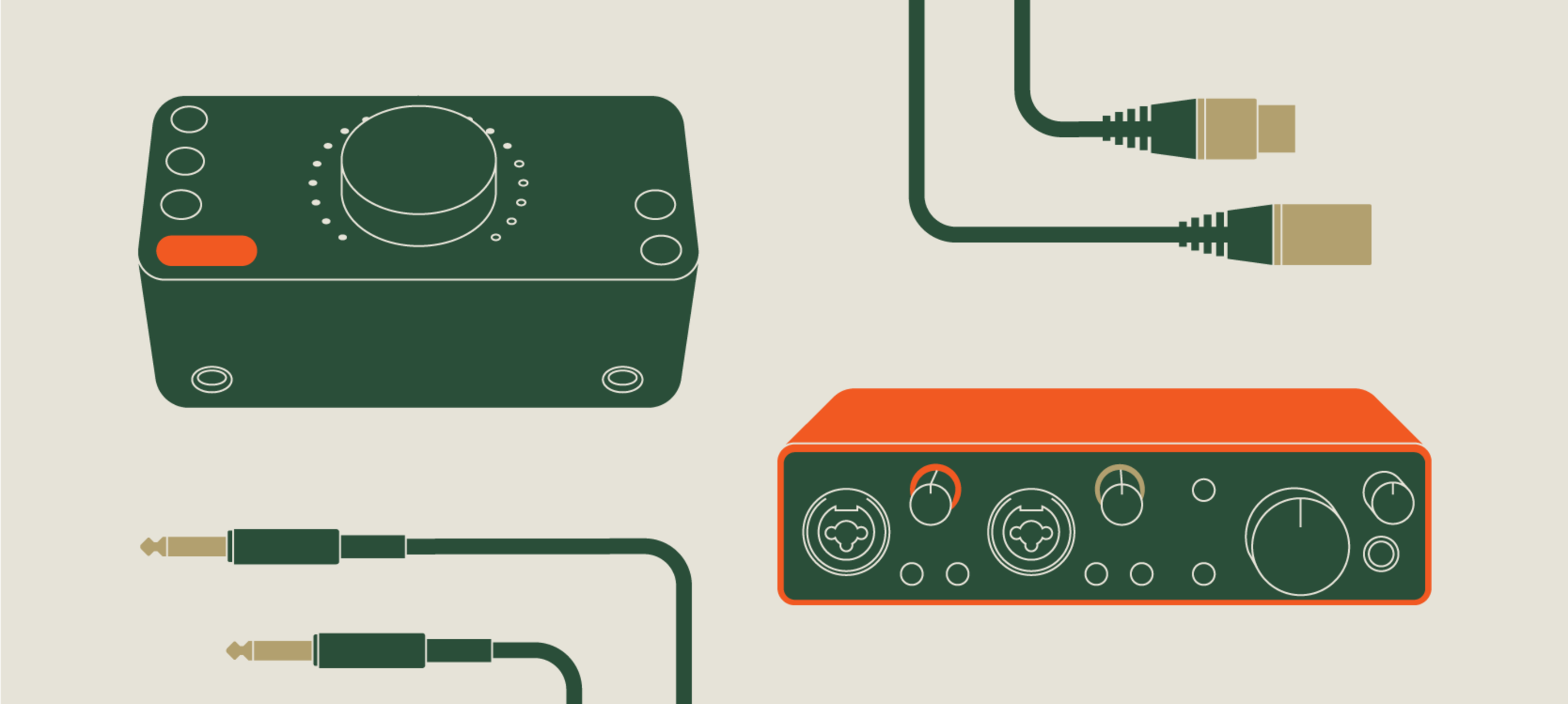
In the last year, with more time being spent at home, the interest and excitement about creating a home studio has grown significantly. There are a lot of different pieces of gear to consider when putting together this kind of setup, but this journey typically starts with the main hub of your studio: an audio interface. If you're looking for a simple microphone to improve the quality of their work calls or group chats and don't need inputs for additional microphones or instruments, a USB microphone may solve your issue. But if the goal is to have more versatility, higher quality, and the ability to record more than one microphone or instrument at a time, you’ll need some sort of audio interface.
What is an audio interface?
An audio interface is a piece of hardware that acts as a high-end sound card for your computer, connecting via USB. It provides inputs for microphones and instruments and produces higher quality audio to go out to your headphones and speakers.
Inputs & Outputs
One important question to ask yourself is: What do you need the interface to do for you? Take a look at the gear you might have already, think about the number of and the kind of inputs you'll be plugging into the interface. How many microphones are you planning on using at once? One? Two? One microphone and one instrument? If you have or are planning on using a MIDI controller that requires a 5 pin connection, you'll need to make sure the interface supports that kind of connection as well. Deciding on what you need an audio interface to do helps narrow down your options in the vast selection of interfaces available.
One of the most popular input/output combinations for home setups is the 2in/2out configuration. This means that the interface has two inputs (e.g. for one mic and one instrument, or two mics, etc.) and two different ways of outputting sound (e.g. analog outputs for monitors, and headphones). All of the interfaces below feature XLR & 1/4" combo connectors, meaning you can plug either an XLR or 1/4" cable into the same jack.
Here are four popular interfaces in the 2in/2out category:
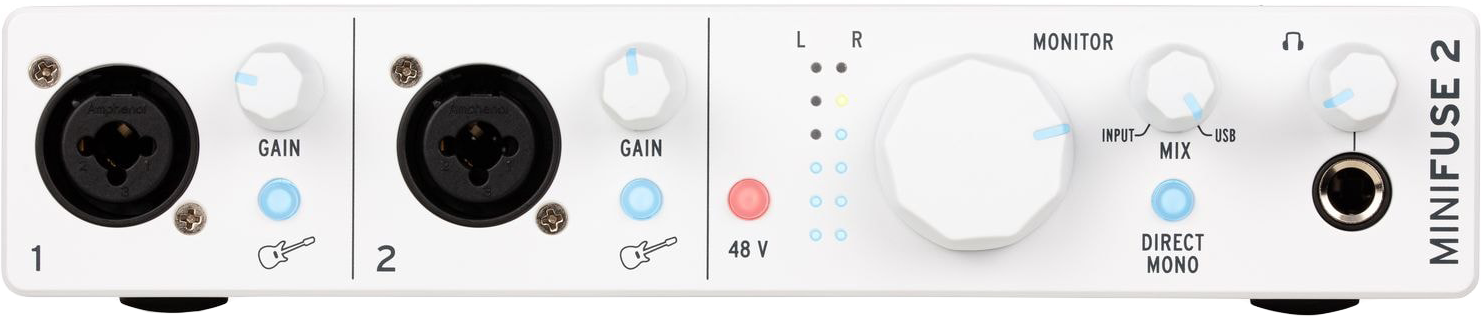
Arturia MiniFuse 2 Compact USB Audio Interface
- Arturia's MiniFuse 2 is a next-gen audio & MIDI interface
- Includes exclusive content - Tips, tricks, and advice from industry experts
- 2 x combos Mic/Inst/Line XLR Inputs with 48V phantom power
- 500 Arturia instruments vintage & modern keyboard presets included with Analog Lab Intro
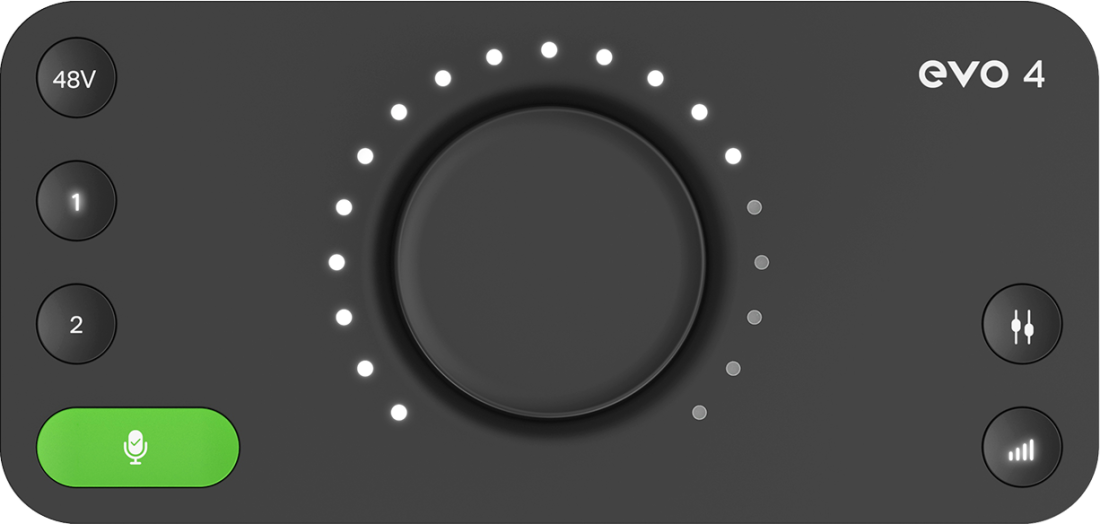
Audient EVO4 2in/2out Audio Interface
- The most cost-effective interface of the four listed here
- Clean, warm, & accurate EVO mic preamps with 58dB gain range
- Intuitive user experience
- Smartgain feature automatically sets the gain levels when the user starts playing or singing
- Software Control of your Hardware with the EVO Control app
Also, check out the EVO4 Recording Bundle or the EVO8 4in/4out Interface for more input options!

Focusrite Scarlett 2i2 4th Gen USB Audio Interface
- Two of Focusrite's most detailed, ultra-low-noise preamps
- Two Hi-Z instrument inputs, just like you'd find on an amp
- Ableton Live Lite & Pro Tools First Focusrite Creative Pack software bundle
- Huge 120dB dynamic range for incredible recordings
- Three year warranty
Also, check out the Scarlett 2i2 Recording Bundle or the Scarlett 4i4 Audio Interface for more input options!
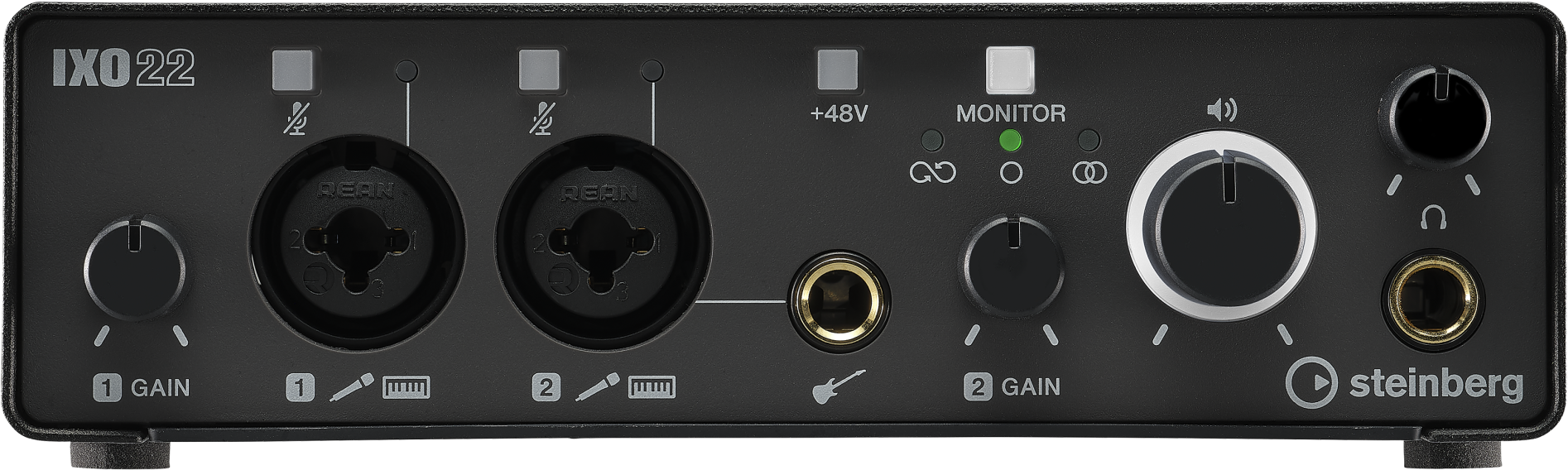
Steinberg IXO22 USB Audio Interface
- Superspeed USB-C
- Ultra-lightweight & portable build
- Cubase AI & Cubasis LE mixing application software bundle
Also, check out the IXO22 Recording Studio Pack.
If you only need a 2in/2out interface at the moment but can see yourself needing more inputs in the future, some interfaces feature the ability to plug in a channel strip to increase the total number of inputs. This connection is called an Optical Input. You'll more likely find this connection on interfaces of higher quality, like on the Audient iD14 MKII.
If this article has not quenched your thirst for knowledge about audio interfaces, and you'd like further help choosing the right gear for your home studio, chat with us using the widget on the bottom left of the browser, give us a call, or send us an email!
If you liked this article, feel free to check out the other posts in our Learn section!